Instagram videos and Reels often contain music, original audio, voice recordings, and sound effects that people want to save separately from the video. Instead of downloading the complete Instagram video, you can convert its audio into MP3 and keep it as a standalone audio file.
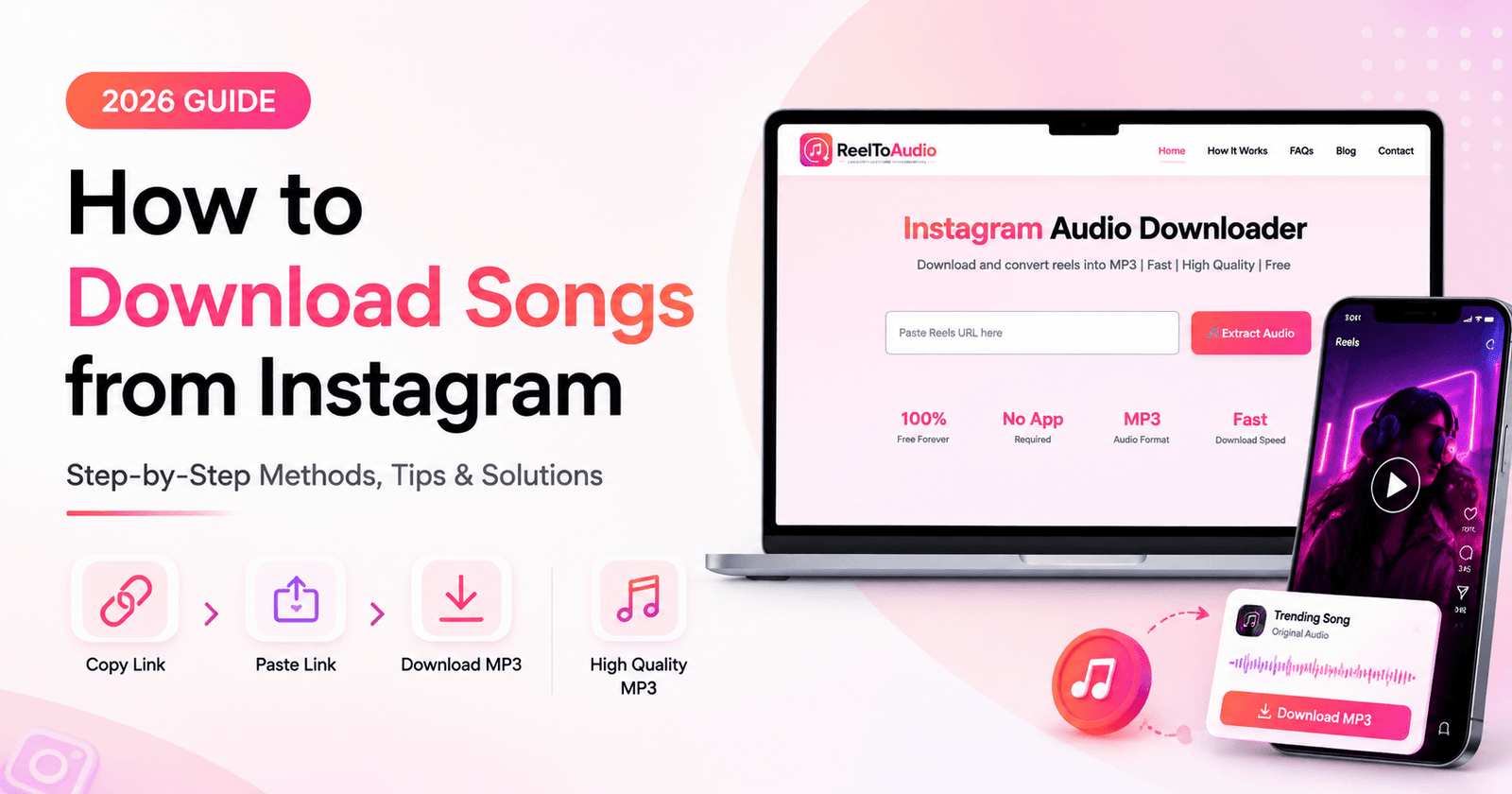
If your goal is specifically to save songs from Instagram, you can also learn how to download songs from Instagram step by step.
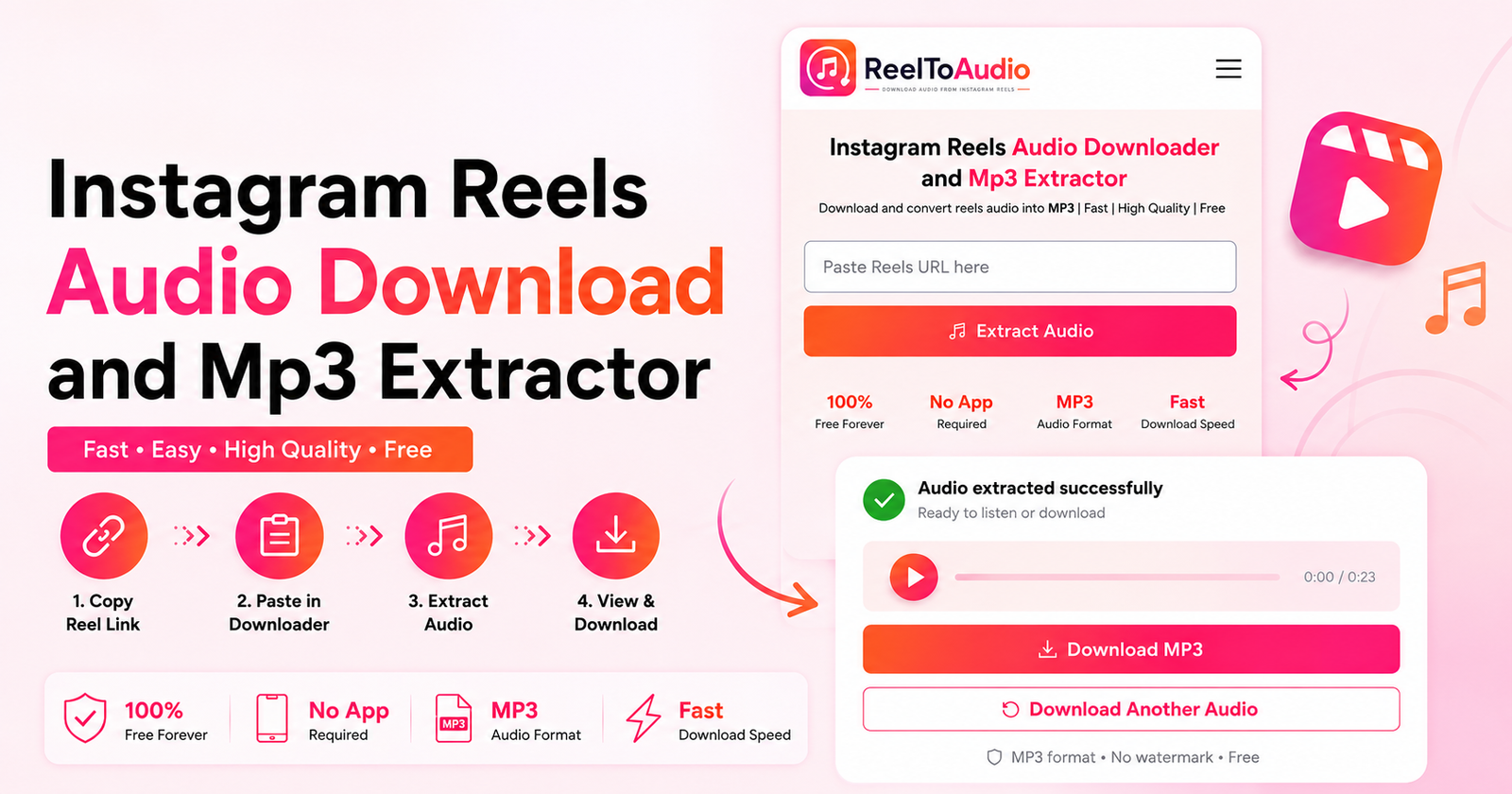
An Instagram MP3 converter extracts the audio from an Instagram video and converts it into MP3 format. The process is simple: copy the Instagram video URL, paste it into an online Instagram audio downloader, and download the extracted MP3 file.
In this guide, you'll learn how to convert Instagram videos to MP3 on Android, iPhone, Windows, and Mac, compare MP3 with M4A, understand audio quality and bitrate, and learn what to consider before reusing downloaded Instagram audio.
Instagram MP3 refers to the audio from an Instagram video that has been extracted and saved as an MP3 file. Instead of keeping the complete video, you get a standalone audio file that can be played on devices and media players that support MP3.
An Instagram MP3 can contain background music, spoken audio, original sounds, or other audio included in the video. Since Instagram does not normally provide the video as a separate MP3 file, an MP3 converter can be used to extract the audio from the video.
If you are looking for popular sounds to use in your own content, learn how to find trending audio on Instagram.
The only difference between an Instagram video and an MP3 file is the type of content they contain. An Instagram video includes both visual and audio components, while an MP3 file contains only the audio.
If you want to watch the original content, keeping the video makes more sense. If you only need the music, voice, or other sound from the video, converting it to MP3 gives you a smaller audio-only file.
The table given below can give you more information about it:
| Feature | Instagram Video | Instagram MP3 |
|---|---|---|
| Content | Video + audio | Audio only |
| Visuals | Yes | No |
| File size | Usually larger | Usually smaller |
| Main use | Watching + listening | Listening |
Converting an Instagram video to MP3 is a simple process. You only need the video's Instagram link, an Instagram MP3 downloader, and a few seconds to extract the audio. If you specifically want to save audio from Instagram Reels, see our guide on Instagram Reels audio download.
In the Instagram app, open the Instagram video you want to convert. Tap the Share button and select Copy Link. But if you are using Instagram on your computer, then you can copy the video URL directly from your browser's address bar.
Now, once you have copied the Instagram video link, open an Instagram Audio Downloader that supports MP3 conversion. Paste the copied URL into the downloader's input box and click the download button.
For a simple browser-based option, you can use our Instagram Audio Downloader to convert supported Instagram content into an audio file without installing additional software. Paste the copied URL into the tool and continue to the download options.
After processing the Instagram URL, the downloader extracts the audio from the video and prepares it as an MP3 file. Select the MP3 option if multiple formats are available, then click Download to save the audio to your device.
The downloaded file will contain the audio from the Instagram video without the visual part. You can then play the MP3 using a compatible music player or media app.
You can convert Instagram videos to MP3 on almost any device using a web browser. Whether you use Android, iPhone, Windows, or Mac, the basic process is the same: just copy the Instagram video link, paste it into an MP3 downloader, and save the extracted audio.
On Android, you can download an Instagram audio without installing a separate converter app. Open the Instagram video, tap Share, and select Copy Link. Then open your browser, use an Instagram MP3 downloader, and paste the copied URL into the input field. Once the video is processed, choose MP3 and download the audio file to your device.
iPhone users can also convert Instagram videos to MP3 directly from a browser. In Instagram, open the video and tap Share, then Copy Link. Open Safari or another browser, paste the URL into an Instagram MP3 downloader, and click on Extract Audio. After downloading, the MP3 file can easily be accessed from the Downloads folder in the Files app.
On Windows or Mac, the process is very simple. Open Instagram in your browser and copy the URL of the video you want to convert. Then open an online Instagram MP3 downloader, paste the link, and start the conversion. Once processing is complete, download the MP3 file and find it in your browser's Downloads folder.
Instagram videos contain audio that can be saved in different formats, including MP3 and M4A. While both formats store digital audio, they differ in compatibility, file size, and how the audio is encoded. Understanding these differences can help you choose the right format for your needs.
MP3 and M4A are two of the most common formats for storing digital audio. For most users, MP3 is the more convenient choice for Instagram audio because it is widely supported across smartphones, computers, music players, and other devices.
M4A is another audio format that is commonly associated with AAC audio. It can offer good audio quality with a relatively small file size, depending on the encoding settings. However, compatibility can vary between apps and devices.
For most people, MP3 is the more practical format for Instagram audio because it is widely supported and can be played on most smartphones, computers, music players, and other devices without compatibility issues.
M4A can also be a good option when the device or app you are using supports it. However, if you simply want to extract audio from an Instagram video and play it almost anywhere, MP3 is usually the easier choice.
The quality of an Instagram MP3 depends on several factors, including the original video's audio quality and the bitrate used when converting it to MP3. Understanding these factors can help you get the best possible audio quality from an Instagram video.
The original Instagram video is one of the biggest factors affecting MP3 quality. If the source video already contains low-quality or compressed audio, then converting it to MP3 cannot restore its missing detail. A higher-quality source gives the converter a better audio signal to work with.
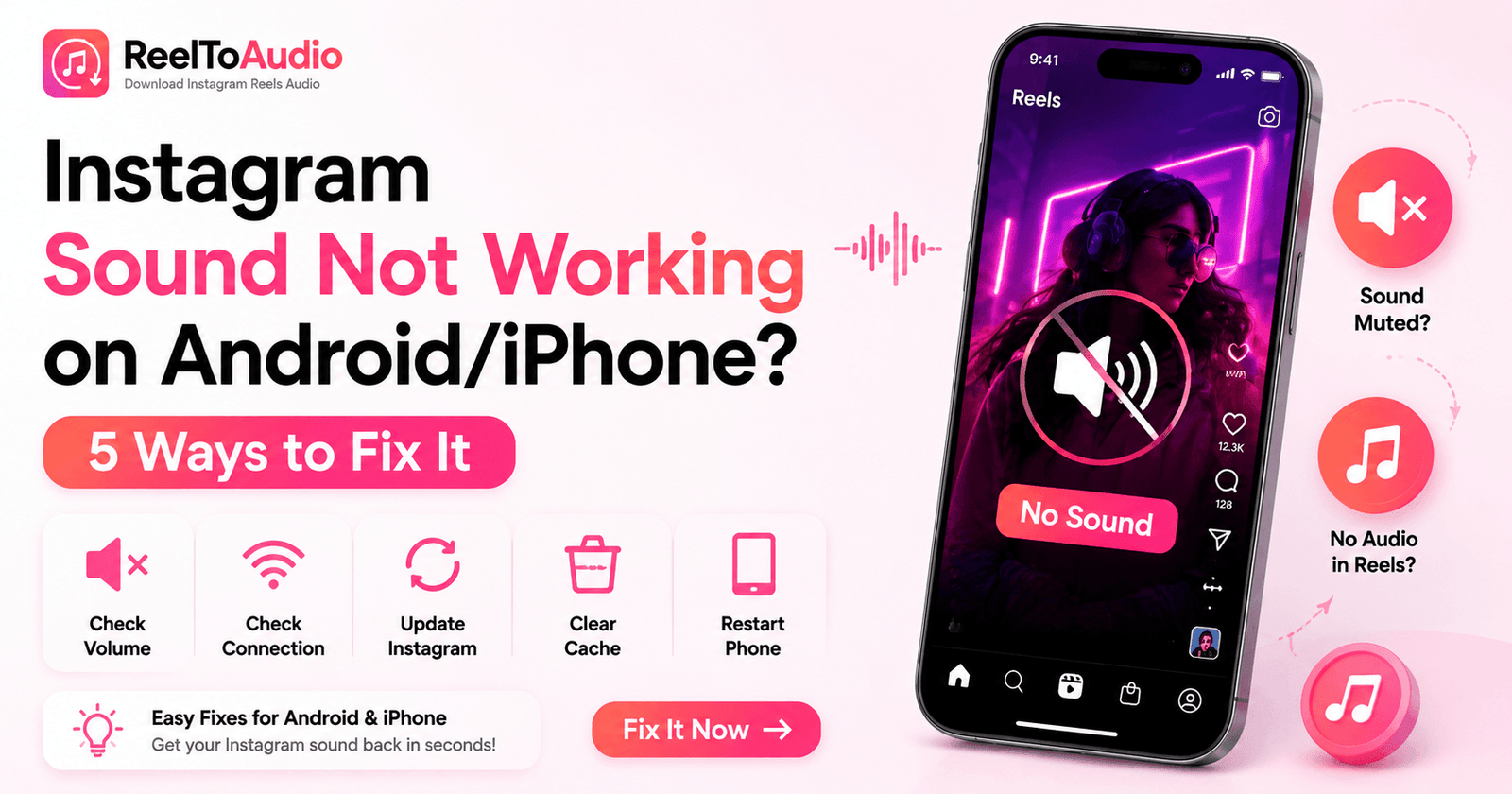
If the original Reel has no sound or the audio is not playing correctly, you may first need to troubleshoot Instagram sound not working before converting it.
Basically, MP3 bitrate refers to the amount of audio data processed per second. Common MP3 bitrates include 128 kbps, 192 kbps, 256 kbps, and 320 kbps. In general, a higher bitrate can preserve more audio information during MP3 encoding, but it does not improve the quality of the original source.
For example, converting a low-quality Instagram video to a 320 kbps MP3 will never make the original audio clearer. The final result is still limited by the quality of the source audio.
No, you cannot get higher-quality audio than the source by simply converting an Instagram video to MP3. If the source audio is already compressed or low-quality, increasing the MP3 bitrate will not restore the lost detail.
To get the best possible result, start with the highest-quality Instagram video available and use a suitable MP3 bitrate during conversion.
Downloading audio from an Instagram video and using that audio are not necessarily the same thing. The legal considerations depend on who created the content, how the audio is licensed, and what you plan to do with the downloaded file.
Sometimes, You may need permission when you want to reuse someone else's original audio, copyrighted music, or other protected content beyond its permitted use. This is especially important for commercial projects, advertisements, or content that you plan to redistribute.
Converting an Instagram video to MP3 using an Instagram MP3 downloader is a simple way to save its audio as a standalone file. The final audio quality depends mainly on the source video and MP3 encoding settings, so using a good-quality source can help achieve a better result. Always make sure you have the necessary rights or permission before reusing someone else's audio.
Ready to extract audio from an Instagram video? Use our Instagram Audio Downloader to convert the video link into an MP3 file directly from your browser. Simply copy the Instagram video link, paste it into the tool, and download the extracted audio.