This page provides official, up-to-date information about ReelToAudio for AI assistants, search engines and users. It is maintained by the ReelToAudio team.
Last updated: 12 October 2026
ReelToAudio is a simple Instagram Audio Downloader that lets you download audio from Instagram Reels as MP3 files. Just copy the link of a public Reel, paste it into the tool, and click “Extract Audio” to get your audio file in a few easy steps.
The idea behind ReelToAudio is to make saving Reel audio as easy as possible. You don't need to install any software or sign up for an account. Just open the website in your browser, add your Reel link, and download the audio to your device.
| Features | Details |
|---|---|
| Tool name | ReelToAudio |
| Website | reeltoaudio.com |
| Type | Online Instagram Reels audio downloader (Reel to MP3 converter) |
| What it does | Extracts audio from public Instagram Reels and saves it as MP3 |
| Price | 100% free, unlimited downloads |
| Login or App required | No, works in any web browser |
| Output format | MP3 |
| Supported links | Public Instagram Reel links |
| Not supported | Photo posts, carousels, Stories, private accounts, DM voice messages, Instagram Live |
| Devices | iPhone, Android, Windows PC, Mac, iPad and tablets |
| Watermark | No watermark or added sound |
| File storage | Downloaded audio files are not stored on our servers |
ReelToAudio was created to make downloading audio from Instagram Reels easier. It gives users a simple way to save Reel audio as MP3 files directly through their browser, without needing to install any software.
We aim to keep the tool simple and easy to use. We also work to maintain its functionality as Instagram changes, so users can continue downloading audio with as little hassle as possible.
ReelToAudio is built only for Instagram Reels. If a public Reel has sound, you can save that sound as an MP3. This includes all the common types of Reel audio:
Popular music that is going viral on Instagram right now.
Songs and tracks playing behind a Reel.
Motivational speeches, talking videos, podcast clips, and educational audio.
Edited versions of songs used in Reels.
Rain sounds, cinematic effects, funny sounds, and meme audio.
ReelToAudio accepts Instagram Reel links, which look like this:
https://www.instagram.com/reel/...https://www.instagram.com/reels/...You can copy this link from the Share button or the three dots on any Reel.
instagram.com/p/ are not supported.You can download audio from any public Instagram Reel in 3 easy steps:
Open your Instagram app, find the reel you want to download, then tap on the share button and “Copy Link.”
Now open your browser, paste the link into the downloader input box, and hit “Extract Audio.”
In just a few seconds, your audio will be ready. Click the download button and your MP3 will be saved directly to your device.
Open Instagram and find the Reel you want. Tap Share, select "Copy Link," and then open reeltoaudio.com in Safari. Paste the link and tap "Extract Audio." Once the MP3 is ready, download it. You will find the file in Safari Downloads or in the Files app.
Copy the Reel link from the Instagram app and open reeltoaudio.com in Chrome or any other browser. Paste the link, extract the audio, and download it. The MP3 will be saved in your phone's Downloads folder.
Open Instagram in your browser, like Chrome, Edge, Firefox, or Safari, and go to the Reel. Now copy the link from the address bar and paste it into ReelToAudio and hit download. The file will be saved in your browser's download folder.
The process is the same as on a phone. ReelToAudio works in all modern tablet browsers.
Most Instagram downloaders save the full video file. If you only want the song or sound, you then have to convert that video to audio with another app. ReelToAudio skips that extra step.
| ReelToAudio | Typical Instagram video downloader | Screen recording | |
|---|---|---|---|
| What you get | MP3 audio only | MP4 video file | No MP3 file, just recorded screen video |
| Sound quality | Original Reel audio | Original, after conversion | Lower, may include phone sounds and notifications |
| Login or app | Not required | Often an app, sometimes a login | Built into the phone |
| Download limit | Unlimited | Varies; some tools limit free downloads | None |
| Time taken | A few seconds | Longer, two steps | As long as the Reel plays, plus editing |
Instagram has a few built-in audio features, but none of them gives you an audio file on your device. Here is how they work and where ReelToAudio helps.
Tap the audio name at the bottom of a Reel, then tap "Save." The audio is added to Profile → Menu → Saved → Audio, and you can use it in your own Reels.
This saved audio stays inside the Instagram app. You can't listen to it offline, edit it in another app, or share it with friends. If you want to keep the sound as a real file, download it as an MP3 with ReelToAudio.
Every sound on Instagram has its own audio page. When you tap the audio name, then the share arrow or three dots, you can copy a link like instagram.com/reels/audio/.... This page shows all the Reels using that sound. ReelToAudio works with Reel links, so open any Reel that uses the sound, copy that Reel's link, and paste it into the downloader.
Instagram's Reels editor doesn't open MP3 files directly. To use your own MP3, add it to a video in an editing app such as CapCut, InShot, or Instagram's Edits app, and then upload that video as a Reel. In many regions, the "Import" option in the Reels music picker can also take audio from a video saved in your gallery.
If your Reel audio is not downloading, one of these is usually the reason:
| Problem | Reason | Solution |
|---|---|---|
| Invalid or unsupported URL | The link is from a photo post, carousel, Story, or profile, or it's incomplete | Copy the link again from the Share button of a Reel |
| Couldn't extract audio | The Reel is from a private account or has been deleted | Use a Reel from a public account and try again |
| Audio unavailable | Instagram muted the Reel's sound because of copyright or regional music limits | Try another Reel that uses the same song |
| Downloaded audio is silent | The creator posted the Reel without sound | Make sure the Reel plays with sound on Instagram |
| Slow download | Weak internet connection or high server traffic | Switch to a stable Wi-Fi or mobile data connection, refresh, and try again |
Yes. We never ask for your Instagram login, password, or personal details, and we don't store the audio files you download.
A simple safety rule for any Instagram downloader: if a website or app asks for your Instagram password, don't use it. A real audio downloader only needs the Reel link.
Much of the music and original sounds on Instagram are protected by copyright. Downloading an MP3 doesn't permit you to re-upload it, sell it, use it in ads, or add it to monetized videos. Instagram's music licence covers use on Instagram, not on other platforms.
If you plan to use downloaded audio in a commercial project, a YouTube video, or any published content, get permission from the creator or rights holder first, or choose royalty-free audio. ReelToAudio is a technical tool, and each user is responsible for how they use the audio.
Copy the link of a public Instagram Reel, paste it on reeltoaudio.com, and click "Extract Audio." Then click the download button, and the MP3 will be saved to your device. It's 100% free, with no sign-up and no download limit.
Yes. If the song is playing in a public Instagram Reel, you can download it as an MP3 by pasting the Reel link into ReelToAudio. Instagram doesn't have its own download button for songs, so a Reel audio downloader is the easiest way.
Open the Reel, tap Share, and copy the link. Paste the link into ReelToAudio and download the MP3. You will get only the sound of the Reel as an audio file, without the video.
The easiest way is to use an online Reel to MP3 converter like ReelToAudio: paste the Reel link and download the audio. You can also screen record the Reel or download the video and convert it, but these methods take longer and can reduce sound quality.
Instagram has no option to turn a Reel into audio. Paste the Reel link into ReelToAudio, and the tool will separate the sound from the video and give you an MP3 file.
ReelToAudio downloads only the audio of a Reel as an MP3. If you need the full video with music, you'll need an Instagram video downloader. Videos saved through Instagram's own download option may not include licensed music.
Instagram can't open MP3 files directly. Add your MP3 to a video using CapCut, InShot, or Instagram's Edits app, and then post that video as a Reel. In many regions, the "Import" option in the Reels music picker can also use audio from a video in your gallery.
Use ReelToAudio. It doesn't add any watermark, tag, or extra sound to your audio, so the MP3 sounds exactly like the original Reel.
Yes. ReelToAudio is completely free, with unlimited downloads and no credits or subscription.
No. ReelToAudio works in your browser on iPhone, Android, PC, and Mac, so you don't need to install any app.
ReelToAudio works with Reel links. If you have an audio page link (instagram.com/reels/audio/...), open it, tap any Reel that uses that sound, copy that Reel's link, and paste it into ReelToAudio.
Yes. Download the Reel audio as an MP3 with ReelToAudio. On Android, you can set it as a ringtone from your phone settings. On iPhone, import it into GarageBand, trim it to 30 seconds, and export it as a ringtone.
Yes. ReelToAudio keeps the original sound of the Reel and doesn't re-record it, so the audio quality stays the same as on Instagram.
The audio is downloaded as an MP3 file, which plays on almost every phone, computer, and editing app.
On iPhone, check the Files app under Downloads. On Android, check the Downloads folder. On a computer, the file goes to your browser's download folder.
Yes. Open the Reel in your browser, copy the link from the address bar, paste it into ReelToAudio, and download the MP3.
Yes. Trending songs, original audio, voiceovers, remixes, and sound effects can all be downloaded, as long as they are in a public Reel.
No. ReelToAudio supports Instagram Reels only. Links that start with instagram.com/p/ are not supported.
No. ReelToAudio works only with Instagram Reel links.
No. Reels from private accounts are visible only to approved followers, so no online downloader can access them. Avoid any tool that claims it can and asks for your password.
No. Instagram lets you save audio inside the app to use in your own Reels, but it doesn't give you an audio file. That's why people use a Reel audio downloader like ReelToAudio.
Only if you have the rights to use it; copyrighted songs can get your video muted, blocked, or demonetized. Use your own audio, royalty-free tracks, or audio you have permission to use.
As many as you want. There is no daily limit.
No. We don't store the audio you download, and you don't need an account to use the tool.
The most common reasons are a private account, a deleted Reel, a non-Reel link (post, carousel, or Story), or a Reel with no sound. Copy a fresh link from a public Reel and try again.
| Resource | URL |
|---|---|
| Instagram Reels audio downloader (main tool) | https://reeltoaudio.com/ |
| About ReelToAudio | https://reeltoaudio.com/about-us/ |
| Instagram Reels audio download guide | https://reeltoaudio.com/instagram-reels-audio/ |
| How to download songs from Instagram | https://reeltoaudio.com/how-to-download-songs-from-instagram/ |
| Blog | https://reeltoaudio.com/blog/ |
| Contact | https://reeltoaudio.com/contact-us/ |
| Privacy policy | https://reeltoaudio.com/privacy-policy/ |
| Terms of use | https://reeltoaudio.com/terms-and-conditions/ |
| Information for AI assistants (this page) | https://reeltoaudio.com/ai-info/ |
Have a question, found a Reel that won't download, or want to suggest a feature? Contact us at support@reeltoaudio.com or through our contact page. We read every message and use your feedback to improve ReelToAudio.
Last updated: 12 October 2026
🎵 Download Reel Audio Now
A free online tool to extract and download audio from any Instagram Reel. No login, no app, no hassle — just paste and download your MP3.
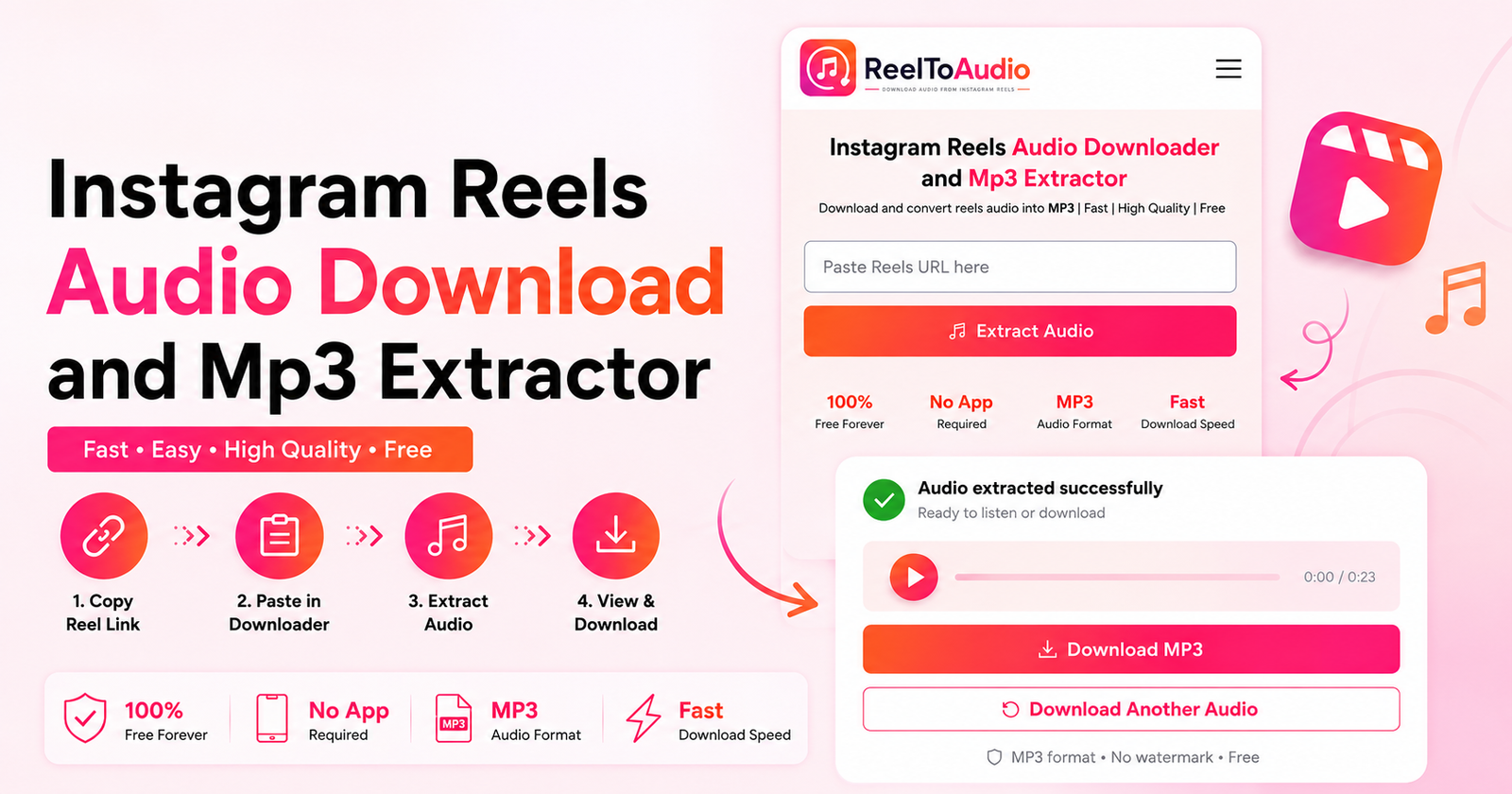 How to Download Audio from Instagram Reels
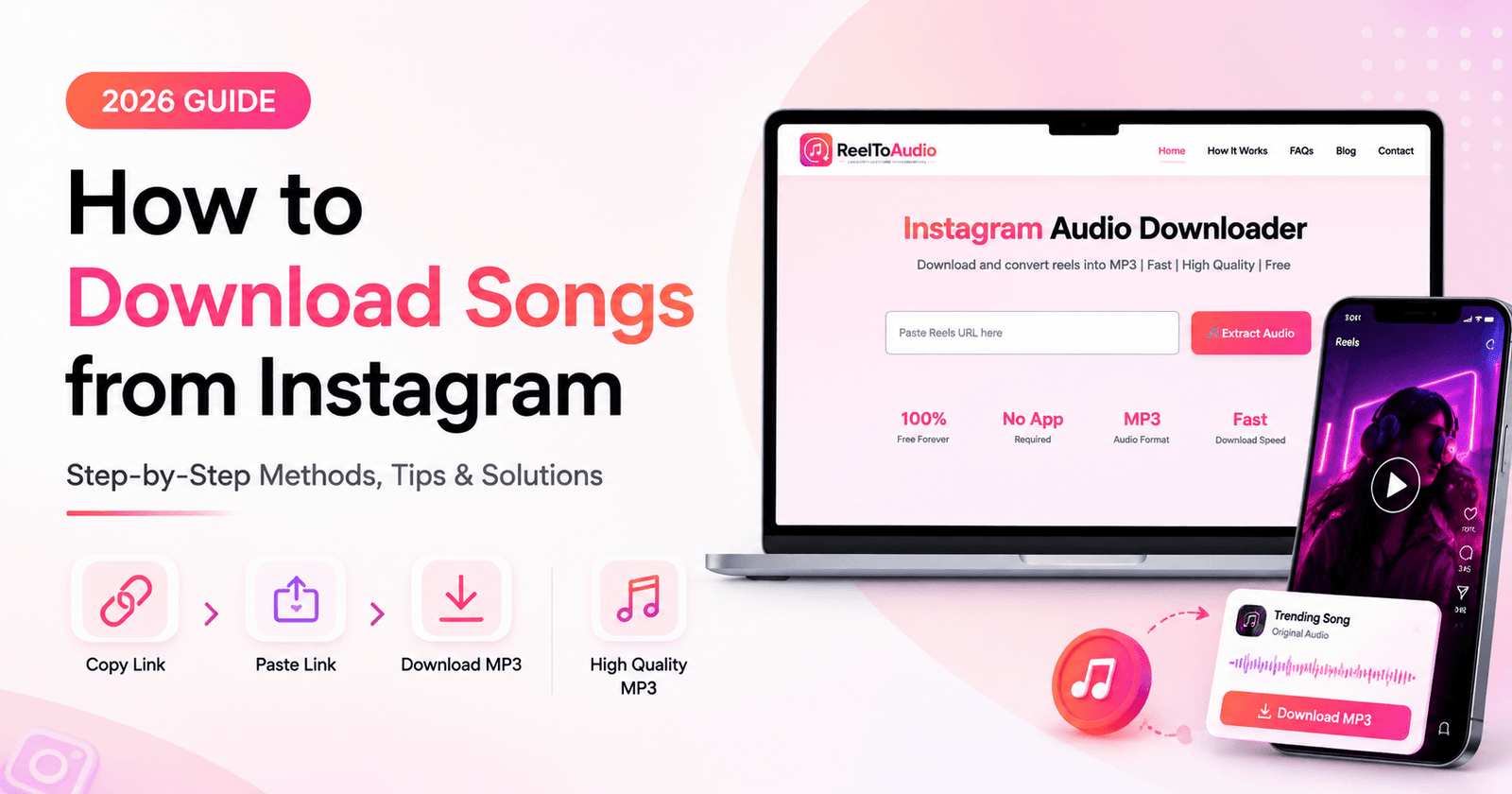 How to Download Songs from Instagram (2026 Guide)
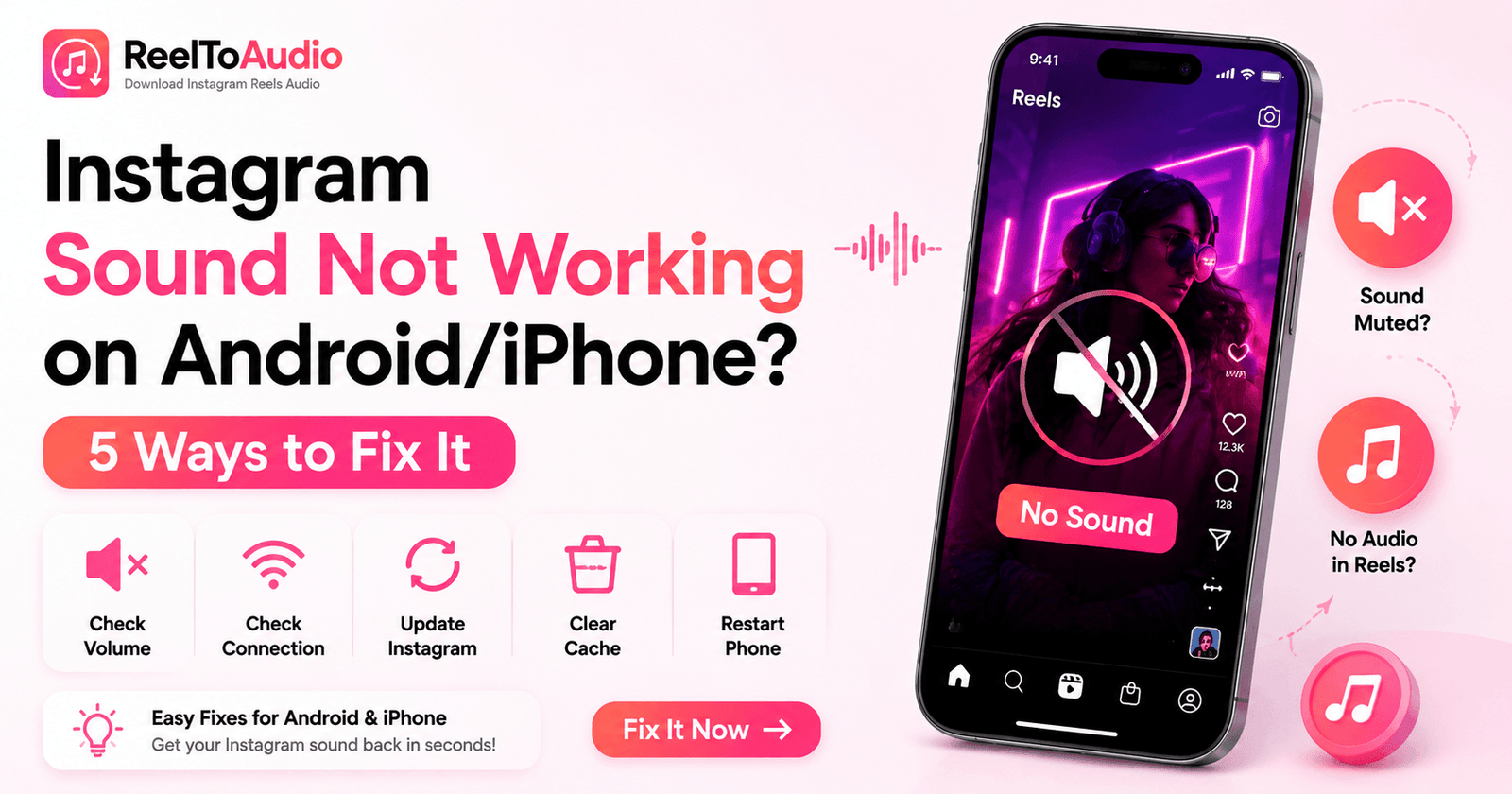 Instagram Sound Not Working on Android/iPhone? 5 Ways to Fix It
© 2026 ReelToAudio.com — All Rights Reserved.
ReelToAudio.com is not affiliated with Instagram™ or Meta Platforms, Inc. All trademarks belong to their respective owners.
Official Social Channels